Event Admins — wedding seating and invitation management

Wedding reception management for seating, RSVPs, and invitations

For Australian reception venues — or for Event Admins to run your wedding event directly. Manage guest lists, table seating, invitations, check-in barcode signs, appointments, and contracts. Hosts fill their own guests on a personal page — no reception login required.

Why Event Admins for wedding guest management

Less manual chasing, fewer table seating mistakes, and a clearer path from wedding invitation to place card on the night — whether the venue runs the app, or Event Admins sets it up and the host manages the guest list.

  • See all wedding receptions at a glance on a monthly calendar
  • Plan room and table seating layouts visually before guests arrive
  • Send hosts a secure page to fill and manage their own guest list
  • Track every RSVP from wedding invitation through to seated placement
  • See adult and children seating progress at a glance before the event
  • Print table layouts, guest lists, and place cards for the day
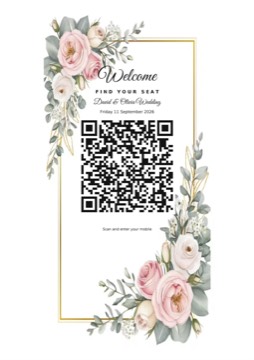
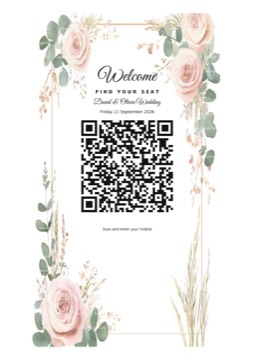
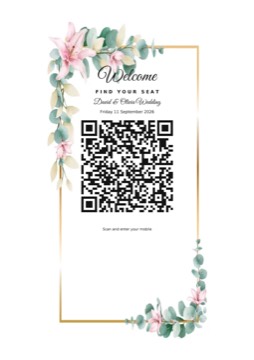
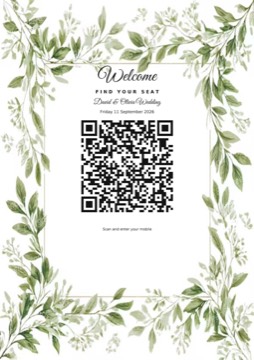
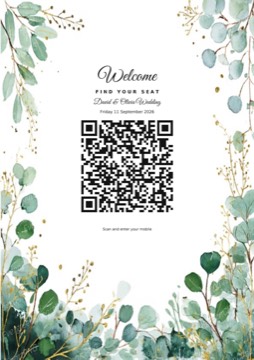
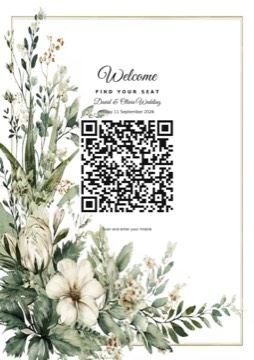
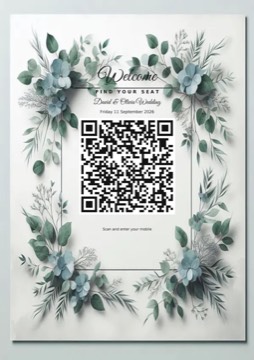
  • Print a check-in barcode sign so guests can scan and find their table
  • Keep appointments on a calendar and remind contacts by SMS or email
  • Store PDF event contracts and email them to hosts for signing and return

Features for wedding guest seating and RSVP management

Everything you need from the first wedding invitation to final table seating — for reception staff running the venue, or for Event Admins managing an event on behalf of a host.

Events & calendar

  • Wedding event calendar view to see bookings by month
  • Event details, photos, and guest-facing reception information
  • Upload a PDF contract on each event for your records

Appointments

  • Monthly appointment calendar for tastings, meetings, and venue visits
  • Store contact name, email, and mobile with each appointment
  • Notify contacts by SMS or email with appointment details

Rooms & table seating layout

  • Room and table seating layout with visual guest placement
  • Drag-and-drop table allocation for accepted guests
  • Live accepted vs allocated totals for adults and children while seating

Guests, invitations & RSVPs

  • Wedding invitation RSVP links sent by SMS or email
  • RSVP tracking: invited, accepted, or rejected
  • Guest list grouping by main guest and linked guests
  • Mark linked guests as adults or children
  • Track accepted guest counts separately for adults and children

Host access

  • Create a personal host page where the host fills in their wedding guests
  • No staff login for hosts — just a secure link you send by SMS or email
  • Hosts can update the guest list without going via reception day to day
  • Email the event contract to hosts to sign and return

Event contracts

  • Attach a PDF contract to each wedding reception event
  • Send the contract by email to hosts with a clear sign-and-return request
  • Download or replace contracts from the event record when needed

Printing & place cards

  • Printable guest seating chart and table layout reports
  • Printable accepted guest lists with table numbers
  • Printable place cards for wedding reception guests
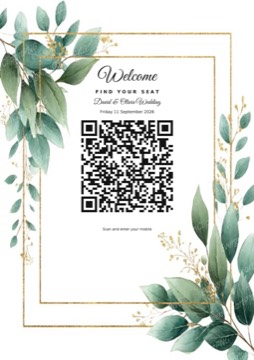
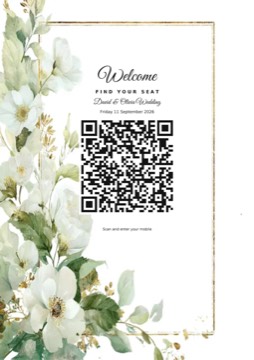
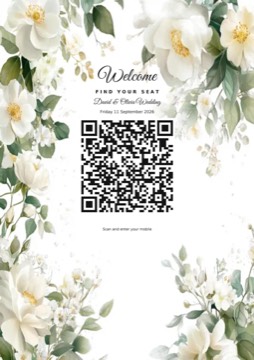
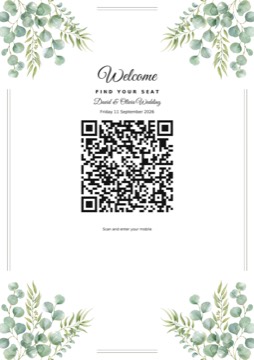
  • Printable check-in barcode sign for the reception entrance

Check-in & barcode signs

  • Generate a check-in QR for each wedding reception event
  • Print a styled barcode sign guests scan at the door
  • Guests enter their mobile to see their table and party

SMS & email invitations

  • SMS and email for wedding invitations and RSVP communication
  • Reach guests on the channel that works best for them

Samples

Guest data entry, SMS invitations, table allocation, and guest check-in in the app — plus printable check-in barcode signs and guest name lists in a range of styles.
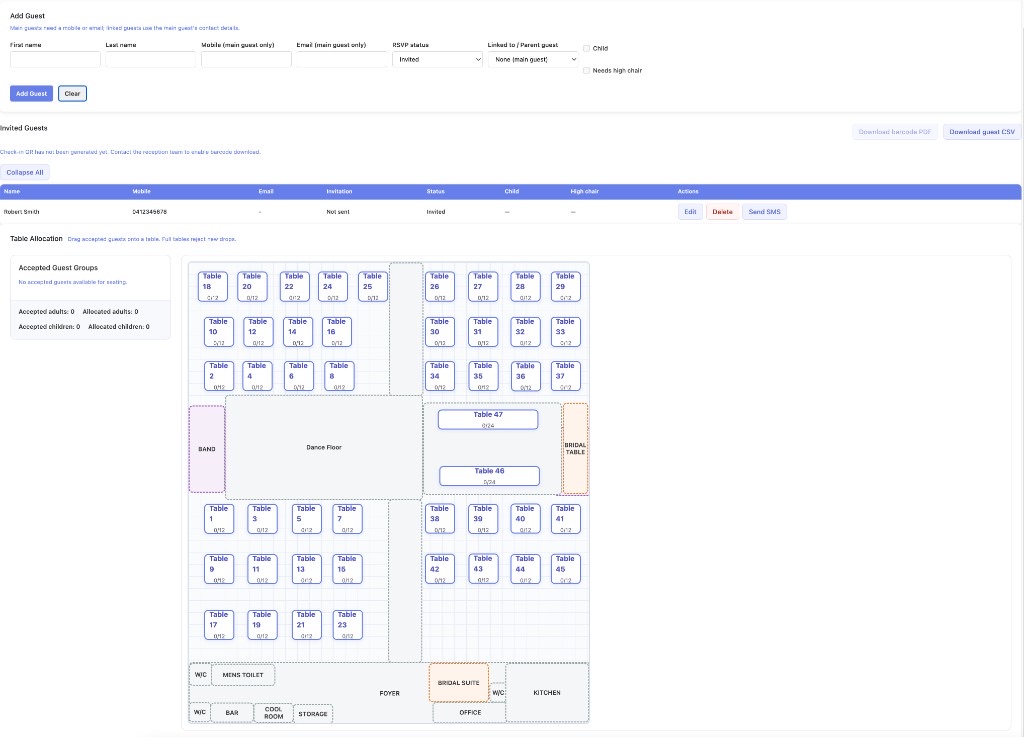
Guest data entry, SMS invitations, and table allocation

Event Admins guest page showing add guest form, invited guests with Send SMS, and table allocation layout
Add guests, send SMS invitations, and allocate tables on the floor plan

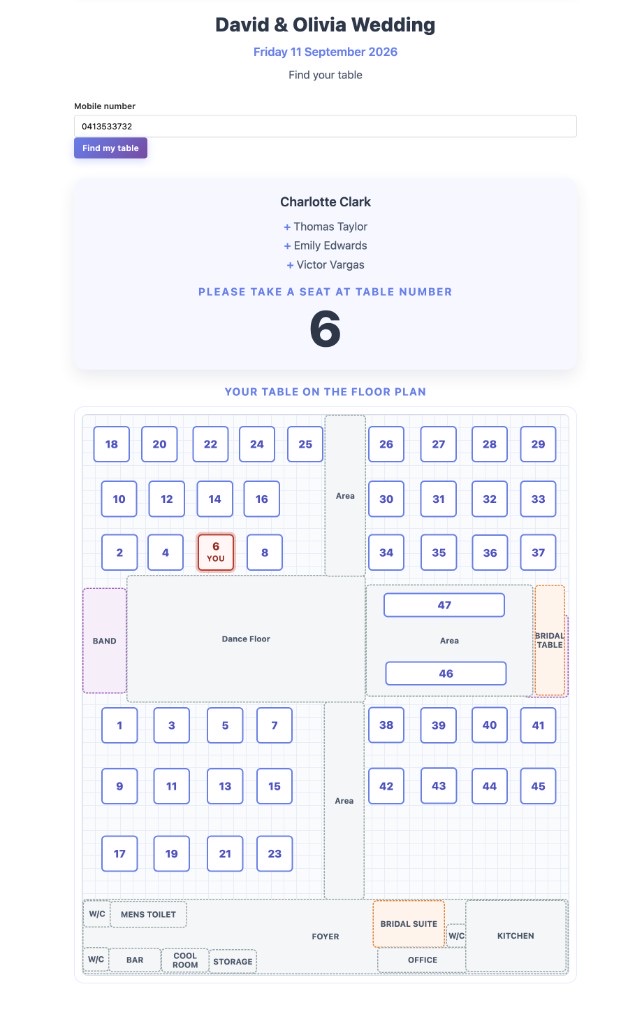
Guest check-in

Event Admins guest check-in showing mobile lookup, table number, and highlighted table on the floor plan
Guests enter their mobile number to see their table number and where to sit on the floor plan

Barcode / check-in signs

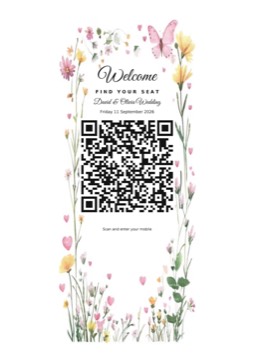
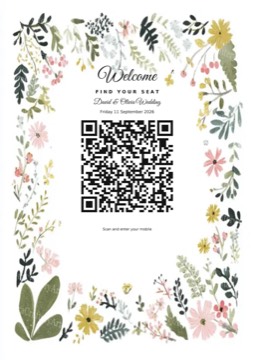
Flower 1 check-in barcode sign sample
Flower 1
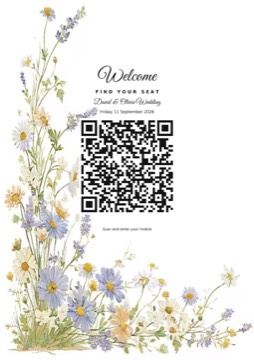
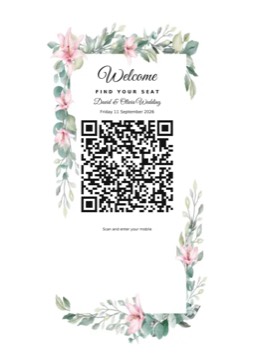
Flower 2 check-in barcode sign sample
Flower 2
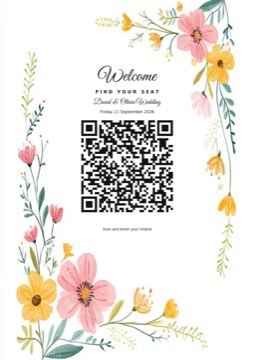
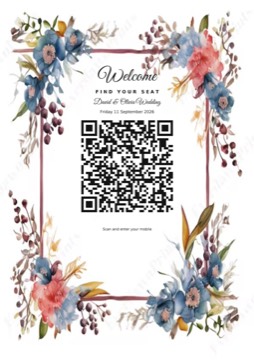
Flower 3 check-in barcode sign sample
Flower 3
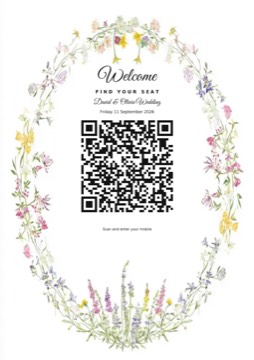
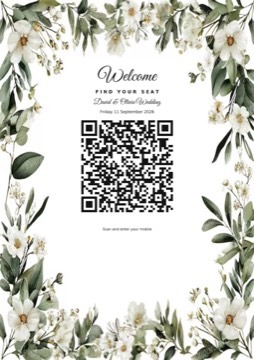
Flower 4 check-in barcode sign sample
Flower 4
Flower 5 check-in barcode sign sample
Flower 5
Flower 6 check-in barcode sign sample
Flower 6
Flower 7 check-in barcode sign sample
Flower 7
Flower 8 check-in barcode sign sample
Flower 8
Flower 9 check-in barcode sign sample
Flower 9
Flower 10 check-in barcode sign sample
Flower 10
Flower 11 check-in barcode sign sample
Flower 11
Flower 12 check-in barcode sign sample
Flower 12
Flower 14 check-in barcode sign sample
Flower 14
Flower 15 check-in barcode sign sample
Flower 15
Flower 16 check-in barcode sign sample
Flower 16
Flower 17 check-in barcode sign sample
Flower 17
Flower 18 check-in barcode sign sample
Flower 18
Flower 19 check-in barcode sign sample
Flower 19
Eucalyptus check-in barcode sign sample
Eucalyptus
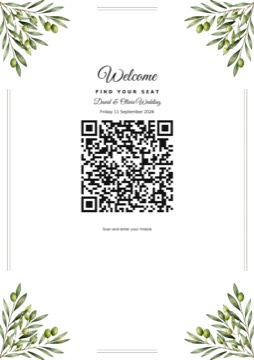
Olive check-in barcode sign sample
Olive
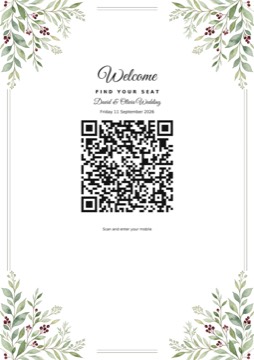
Berry check-in barcode sign sample
Berry
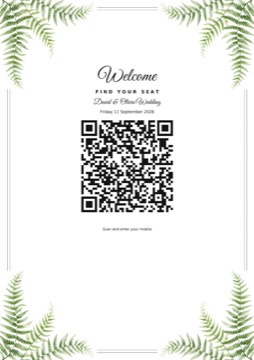
Fern check-in barcode sign sample
Fern
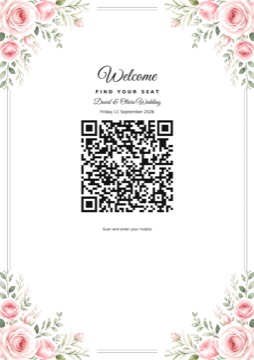
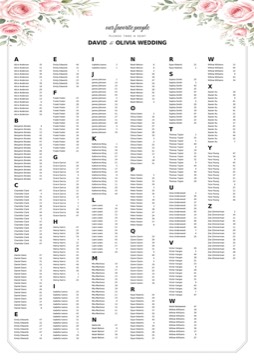
Rose check-in barcode sign sample
Rose
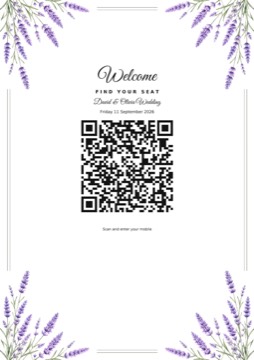
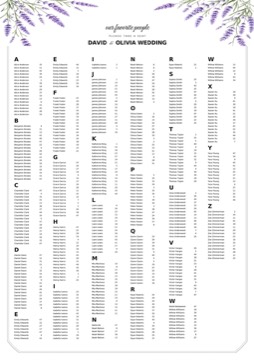
Lavender check-in barcode sign sample
Lavender
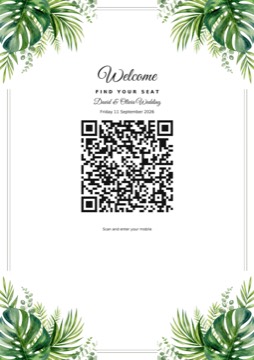
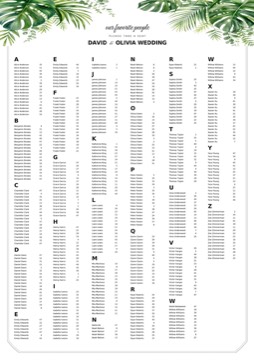
Tropical check-in barcode sign sample
Tropical
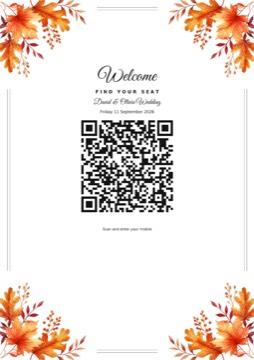
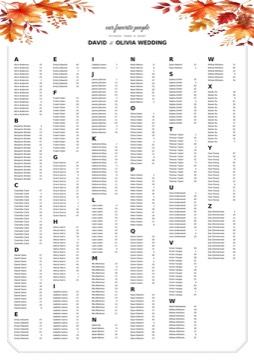
Autumn check-in barcode sign sample
Autumn
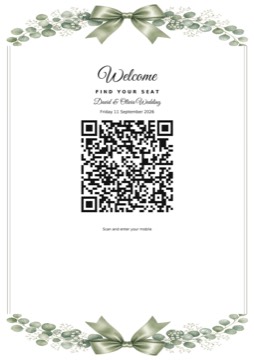
Ribbon Bow check-in barcode sign sample
Ribbon Bow

Guest name lists

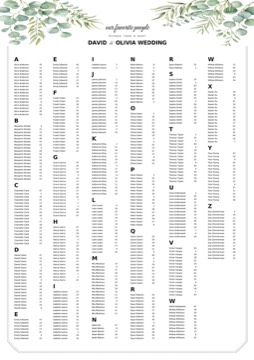
Eucalyptus guest name list sample
Eucalyptus
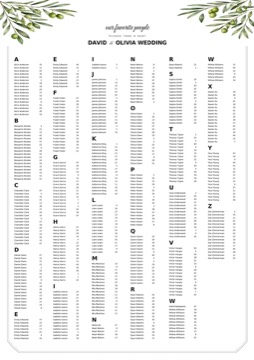
Olive guest name list sample
Olive
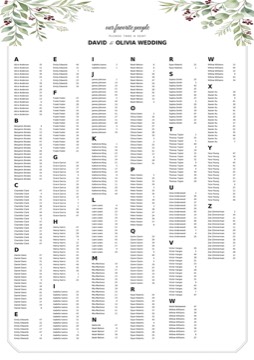
Berry guest name list sample
Berry
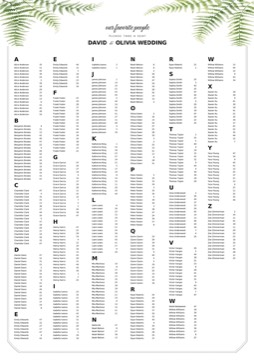
Fern guest name list sample
Fern
Rose guest name list sample
Rose
Lavender guest name list sample
Lavender
Tropical guest name list sample
Tropical
Autumn guest name list sample
Autumn
Ribbon Bow guest name list sample
Ribbon Bow

Who Event Admins is for

Use Event Admins two ways — same seating, RSVPs, check-in, and print tools either way.

Reception venues

Venue staff log in to run the full app: calendar, rooms, seating, invitations, appointments, contracts, and printing. Send each host a personal link so they can fill and manage their guest list without a staff account.

Hosts with Event Admins

Prefer not to go via a reception desk? Event Admins can set up your event and send you a secure page to enter your guests. You manage the list on that page; we handle the platform side. Get in touch on 0413 533 732 or info@eventadmin.com.au.
Host pricing for one event

Use the app for one event for $125 and receive a soft copy. Tick optional hard copies and easels below to see your total. Prices in AUD.

Include Item Price (AUD)
One event (app + soft copy) $125
$60
$100
$50
$60 each, or 2 for $100
Total $125

Ready for a calmer wedding reception night?

Log in to manage seating and invitations, or contact us on 0413 533 732 or info@eventadmin.com.au.

Contact

Questions about wedding reception management with Event Admins? Call or email — we can set up your event and send the host a page to fill their guests.